Can ChatGPT Create a Logo? What It Can and Can't Do (2026)
September 25, 2025 by Aarav SharmaLast updated: June 15, 2026
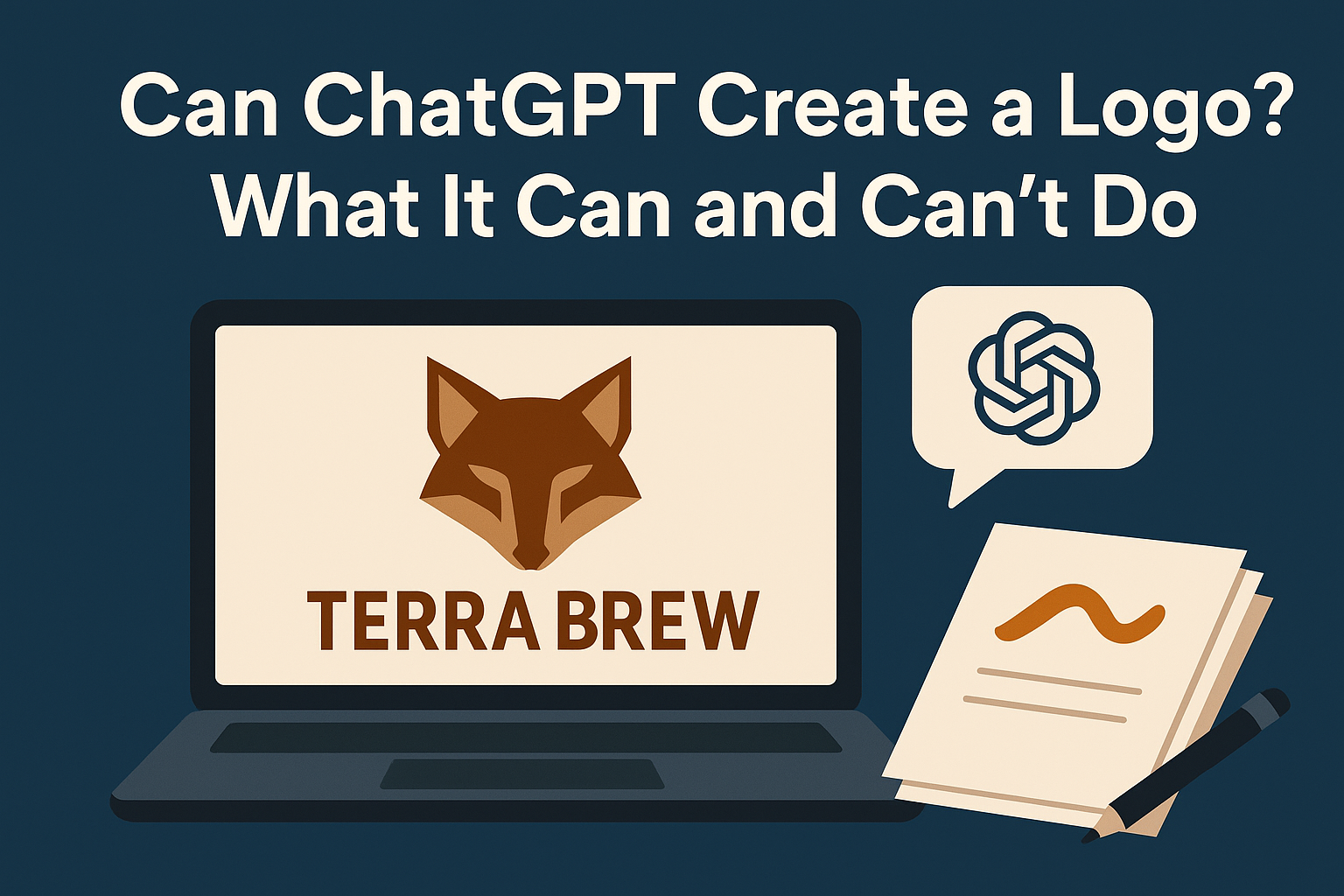
ChatGPT is a text model. It doesn't draw pixels. But it can plan, script, and iterate a logo design by orchestrating AI image tools and giving you high-quality prompts, style guides, and revision steps that produce professional results.
This guide shows exactly how to use ChatGPT to create a logo via connected image models, where the limits are, and when a human designer still makes sense.
TL;DR
- ChatGPT itself cannot render images, but it can drive image models (e.g., DALL·E, Stable Diffusion, Fireworks) to generate logo concepts.
- Best results come from a repeatable workflow: brand brief → structured prompts → iterate with targeted refinements → export clean assets.
- Watch out for licensing, trademarks, and uniqueness if you plan to trademark your logo.
- If you want speed with consistent brand style, use a guided tool like BrandForge AI's Logo Generator and Refinement Studio.
What ChatGPT can and can't do
What it can do
- Turn your brand inputs into a clear creative brief (mission, values, tone, colors, typography).
- Generate highly structured prompts for image models and vectorizers.
- Propose step-by-step refinements that improve composition, clarity, and brand fit.
- Compare alternative directions and keep decisions logged.
- Help you articulate what you don't like about a generated result and translate that into a better next prompt.
- Write brand guidelines around the logo once finalized (color codes, usage rules, spacing).
What it can't do (directly)
- Draw or edit images natively — it needs an image model or external app to render anything visual.
- Guarantee uniqueness or trademark clearance.
- Replace a professional designer for complex identity systems.
- Produce true vector SVG files — all AI image outputs are raster by default.
Understanding the two-step process
The key mental shift when using ChatGPT for logo design is understanding it as the creative director, not the illustrator.
Step 1 — Text: Feed ChatGPT your brand description, target audience, industry, and aesthetic preferences. It returns a structured creative brief and a set of image generation prompts.
Step 2 — Visual: Take those prompts into an image generation tool — DALL·E (integrated into ChatGPT Plus), Stable Diffusion, Adobe Firefly, Midjourney, or a purpose-built logo tool like BrandForge AI — and generate the actual images.
Step 3 — Iterate: Bring the outputs back to ChatGPT and describe what's working and what isn't. It gives you refined prompts and specific improvement instructions. Repeat this loop until you have a strong concept.
This workflow is more effective than trying to write the perfect prompt alone, because ChatGPT can reason about visual design principles — silhouette, negative space, typographic pairing — and translate those into better prompt language than most non-designers produce independently.
Practical workflows to get a logo with ChatGPT
Workflow 1: ChatGPT + DALL·E (fast concepting)
This is the most accessible workflow if you have a ChatGPT Plus account.
- Ask ChatGPT to write a creative brief from your brand description. Include: brand name, industry, target customer, values, desired style (minimal, playful, premium, etc.), and any colors to use or avoid.
- Have it generate 3–5 concise image prompts with specific constraints: icon motif, style, color palette, negative prompts (what to exclude).
- Generate the images using DALL·E inside ChatGPT or via the API. Review outputs.
- Paste descriptions of the outputs back into ChatGPT: "The icon is too complex, how would you simplify it?" or "The font feels generic, what style would better match a premium wellness brand?"
- Regenerate with the refined prompt. Repeat until you have 2–3 strong candidates.
Example prompt ChatGPT might produce:
Create a minimalist, geometric fox icon for "TerraBrew". Flat design, bold silhouette,
warm earthy palette (#6B4423, #CDAA7D, off-white). Emphasize symmetry and negative space;
avoid gradients, photorealism, and fine detail. Logotype in a modern humanist sans font
(similar to Nunito or DM Sans), set to the right of the icon at 1:2 ratio.
No text artifacts, transparent background, 1:1 canvas.
Workflow 2: ChatGPT + Stable Diffusion/SDXL (more control)
For designers who want lower-level control over the generation:
- Ask ChatGPT to output SDXL-ready prompts including style, composition, color, and negative tokens like
no gradients, no bevels, no shadows, no text artifacts. - Generate using Stable Diffusion (local or via DreamStudio, Replicate, or similar).
- Paste results back to ChatGPT and ask for targeted improvement — what to increase, remove, or add.
- Iterate. SDXL's ControlNet can help with symmetry if you have an initial sketch.
Workflow 3: ChatGPT + BrandForge AI (guided, brand-consistent)
The most practical workflow for non-designers who want a polished result with the least manual effort:
- In BrandForge AI, define your brand profile — name, industry, style preferences, color palette.
- Use ChatGPT to refine your brand description and suggest 3–5 logo directions aligned to your niche.
- Generate logos in BrandForge using the Logo Generator with your refined brand profile.
- Iterate using BrandForge's Refinement Studio with specific, one-change-at-a-time instructions.
- Export clean PNG assets and a brand kit with your brand colors and typography locked in.
This approach is faster because BrandForge AI's generator is trained specifically on logo design tasks and understands brand context — you're not fighting a general-purpose image model to produce a usable logo mark.
For a deeper overview of AI logo creation, see our guide: AI Logo Design: From Idea to Icon in Minutes.
Prompt writing tips for better logos
Whether you're using DALL·E, Stable Diffusion, or another model, these prompt principles produce better logo outputs:
Be specific about the icon type. "Geometric fox icon" is better than "fox logo." "Abstract flame symbol" is better than "fire logo."
Name the design style explicitly. Minimalist flat design, line art, geometric, lettermark, emblem, wordmark — each produces very different outputs. Tell the model which category you want.
Use exclusion prompts aggressively. Adding no text, no gradients, no shadows, no photorealism, no bevels, no background removes the most common AI logo mistakes.
Specify the color palette in hex codes. Natural language color names are ambiguous. #1A1A2E, #E94560, white is precise.
Always ask for white or transparent background. AI models default to contextual environments. For logo work, always specify this explicitly.
Request 1:1 aspect ratio. Logos are square or horizontal. A square canvas keeps the icon centered and properly composed.
Quality and legal considerations
Uniqueness: AI models are trained on existing images and can unconsciously resemble logos already in use. For any logo you intend to trademark or use commercially, run a reverse image search and consider a trademark clearance search before investing in brand materials.
Readability at small sizes: A good logo must be recognizable at 24–48px (app icon size) and in monochrome. Test your AI-generated logo at these sizes before committing. If it loses legibility, simplify the shapes.
Licensing: Each tool has different commercial use terms. OpenAI currently grants commercial rights to DALL·E outputs. Midjourney's commercial licensing depends on your subscription tier. Adobe Firefly outputs are commercially safe by design. Always check the current terms of any tool you use — they change.
Vector conversion: All AI image generators output raster (PNG/JPG). For professional use at large sizes, signage, or print, you'll need a vector SVG. Auto-tracing tools like Adobe Illustrator's Image Trace, Vectorizer.ai, or Vector Magic can convert a clean, high-contrast raster logo to a workable SVG. Expect to refine paths manually for best results.
When to use ChatGPT vs a professional designer
Use ChatGPT + AI image tools when:
- You need fast concepts and want to test multiple visual directions cheaply.
- You're an early-stage brand with a limited budget.
- You already have a clear brand idea and need a clean symbol to represent it.
- You need logo variants for social media and digital channels (where high-resolution PNG is fine).
- You're creating a brand identity you'll refine over time — this is a starting point, not necessarily the final word.
Hire a professional designer when:
- You need a fully unique, trademarkable identity system with typography, grid systems, and usage guidelines.
- Your market is visually competitive (fashion, luxury, hospitality) and a generic-looking mark will cost you credibility.
- You need deliverables AI can't produce: SVG with clean paths, a brand guidelines document, and print-ready artwork.
- You're preparing for a funding round, major launch, or campaign where brand presentation is business-critical.
The practical reality for most early-stage businesses is that an AI-assisted logo is a perfectly valid starting point. Many brands have launched on AI-generated logos, refined them as they grew, and invested in professional design later when the stakes justified it.
Frequently asked questions
Q: Can ChatGPT create a logo directly? A: No — ChatGPT is a text model and cannot generate images on its own. It can, however, produce detailed design briefs and image prompts that you feed into DALL·E, Stable Diffusion, Midjourney, or BrandForge AI to render the actual logo.
Q: Can I create a logo for free? A: Yes — DALL·E has free credits, Stable Diffusion can be run locally for free, and BrandForge AI has a free tier. Commercial licensing terms vary by tool. See our roundup: Where to Create a Logo for Free.
Q: What file format should I use for my logo? A: SVG for scalability across all uses (primary master format), plus PNG at 512–1024px for web and digital. Always keep a high-resolution PNG as a fallback.
Q: Can I trademark an AI-generated logo? A: Potentially, depending on your jurisdiction and the level of human creative input. Trademark offices in most countries scrutinize AI-generated works closely. Run a clearance search and consult a trademark attorney before relying on any logo you intend to protect.
Q: Is a ChatGPT-designed logo professional enough for a real business? A: For most early-stage digital businesses, yes. The quality achievable through ChatGPT + a good image model + iteration is significantly better than clipart or generic logo builders, and often comparable to what a junior freelance designer produces. For established brands, luxury markets, or complex identity systems, professional design is still the better investment.
Ready to go from idea to icon? Try the Logo Generator and Refinement Studio in BrandForge AI — create, iterate, and export a polished logo in minutes. Get started free.
Frequently Asked Questions
Can ChatGPT make a logo by itself?
Not on its own — ChatGPT is a text model and cannot render images directly. It can write the design brief and prompts, then drive a connected image model (such as DALL·E) to generate logo concepts you refine. Treat it as the art director, not the illustrator.
Can I use a logo created with ChatGPT for my business?
Generally yes — under OpenAI's terms you own the images you generate and may use them commercially. But AI logos are not automatically unique, so reverse-image-search the result and run a trademark check before you put it on packaging, signage, or a storefront.
Can ChatGPT generate logos with DALL·E?
Yes. When you ask ChatGPT for a logo it uses the built-in image model to produce concepts. The output is great for ideation but usually needs cleanup and conversion to vector (SVG) before it is production-ready.
What is a faster way to get an on-brand logo?
Use a guided tool that keeps your brand consistent instead of starting from a blank prompt each time. BrandForge AI builds logos and a full brand kit from your brand profile, so the output matches your colors, type, and style rather than looking generic.